 Stock
StockChoose where the limit note shows
Add the Limit note block to put the note exactly where you want it on your product pages.
1
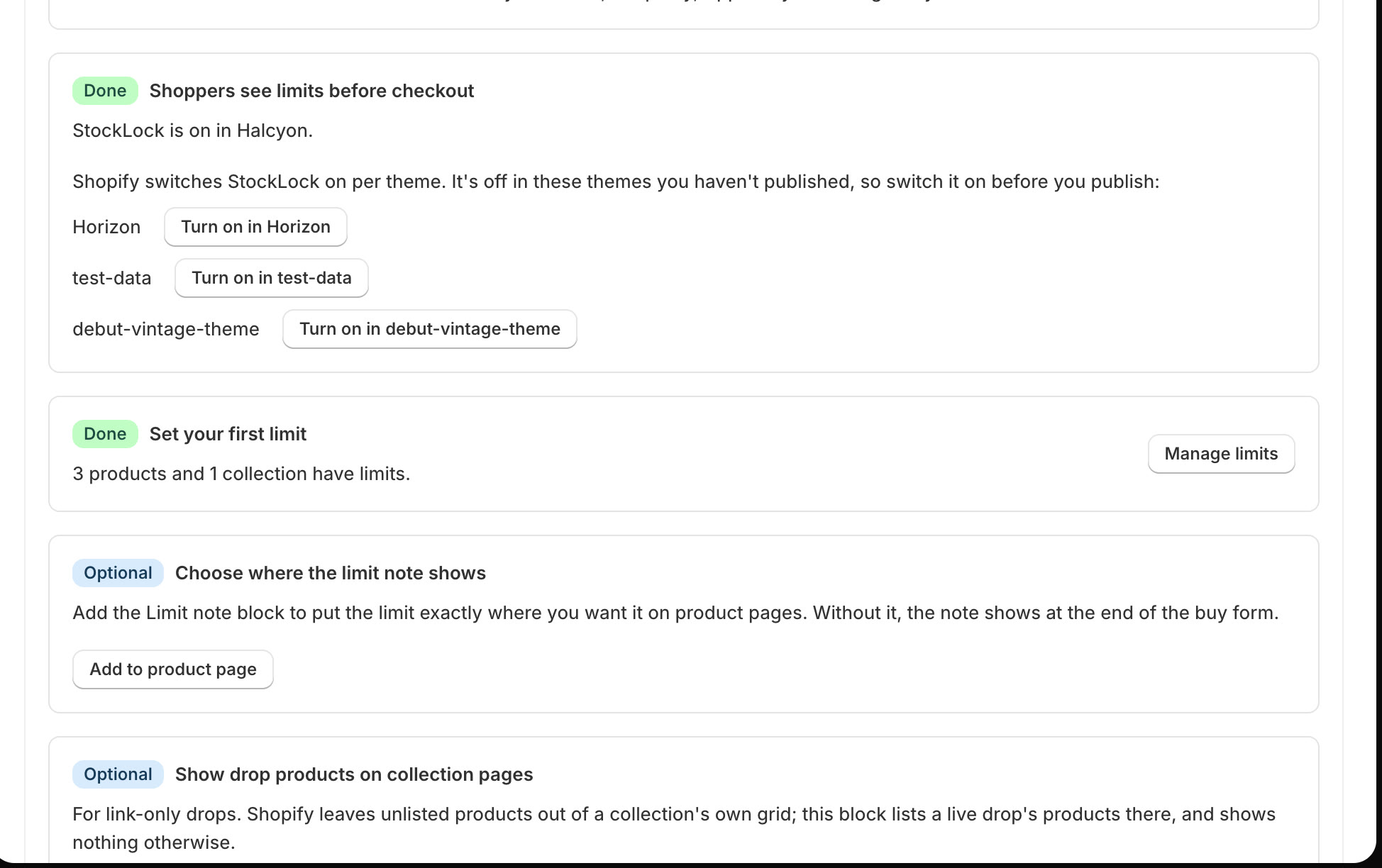
Click Add to product page
On StockLock's home page, find Choose where the limit note shows and click Add to product page.
Tip
Without the block, the note shows at the end of the buy form, which suits most themes.
2
Move it, then save
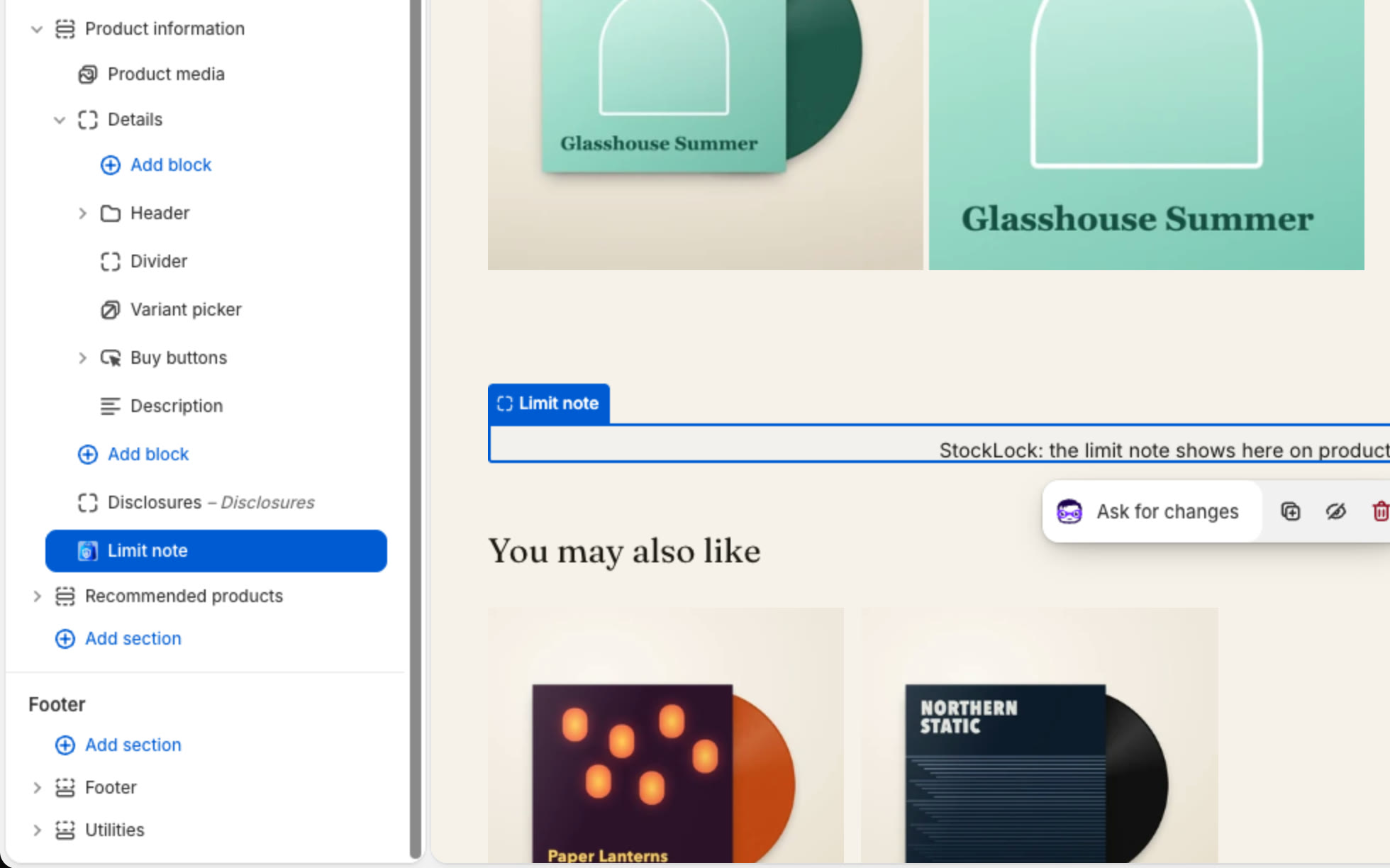
Your theme editor opens on a product page with the Limit note block added. Drag it where you want it in the left sidebar, then click Save.
3
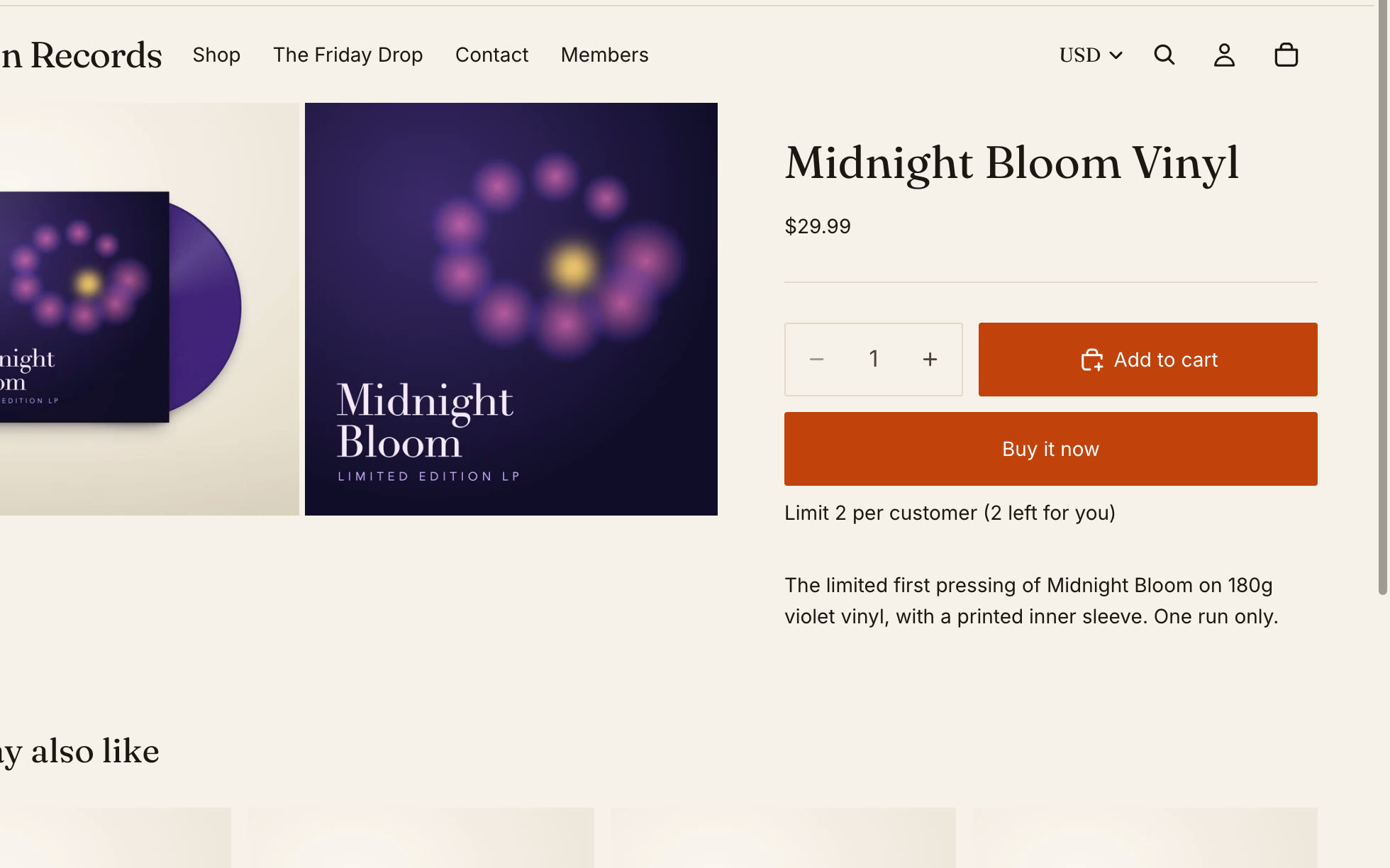
Check your product page
The note shows where you placed it, on every product with a limit.
All done
That's everything for this guide. Need a hand? Email support@stocklock.net.