 Stock
StockStop some customers buying a product
Stop customers with a tag, such as trade accounts, from buying one particular product.
1
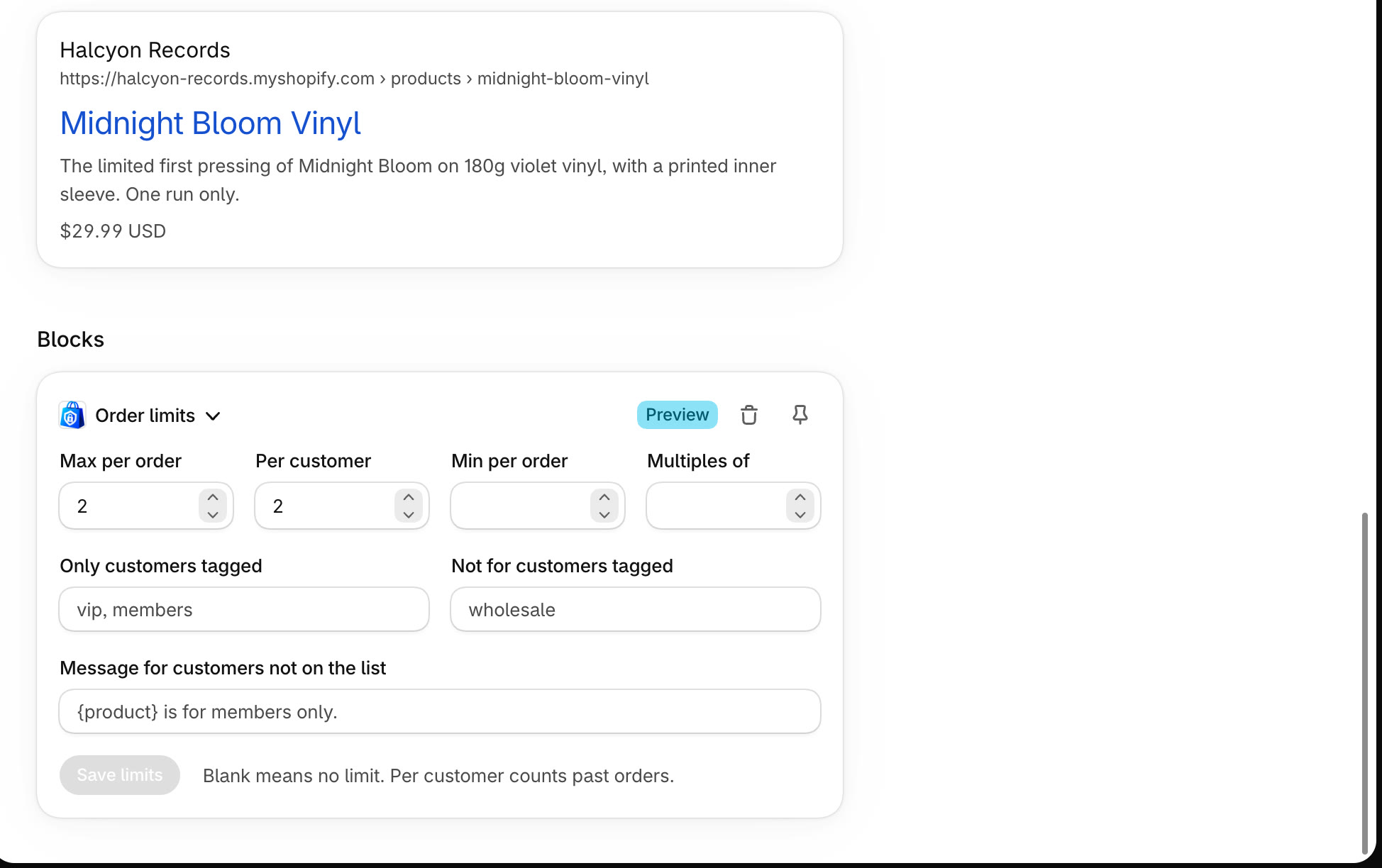
Open the product's Order limits card
Open the product in your admin and scroll to its Order limits card. (No card? Click + Block and choose Order limits.)
2
Enter the tags and save
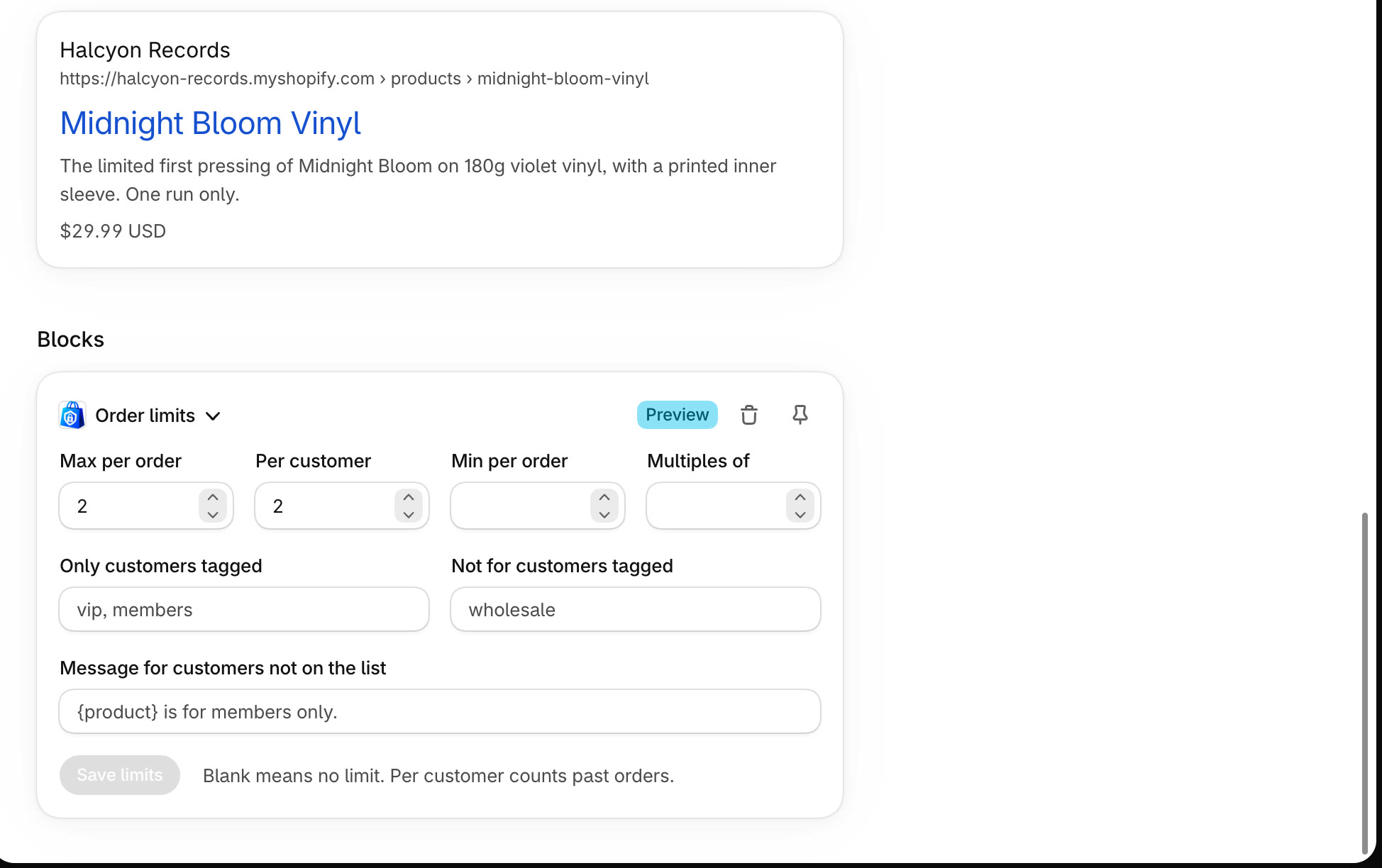
In Not for customers tagged, enter the tags that can't buy this product, separated by commas. Click Save limits.
Tip
Those customers see the Not allowed to buy this product message at checkout. You can reword it in StockLock's Settings.
All done
That's everything for this guide. Need a hand? Email support@stocklock.net.