 Stock
StockCount past orders for per-customer limits
Per-customer limits count purchases from when you installed StockLock. Recount the last 60 days to include earlier orders.
1
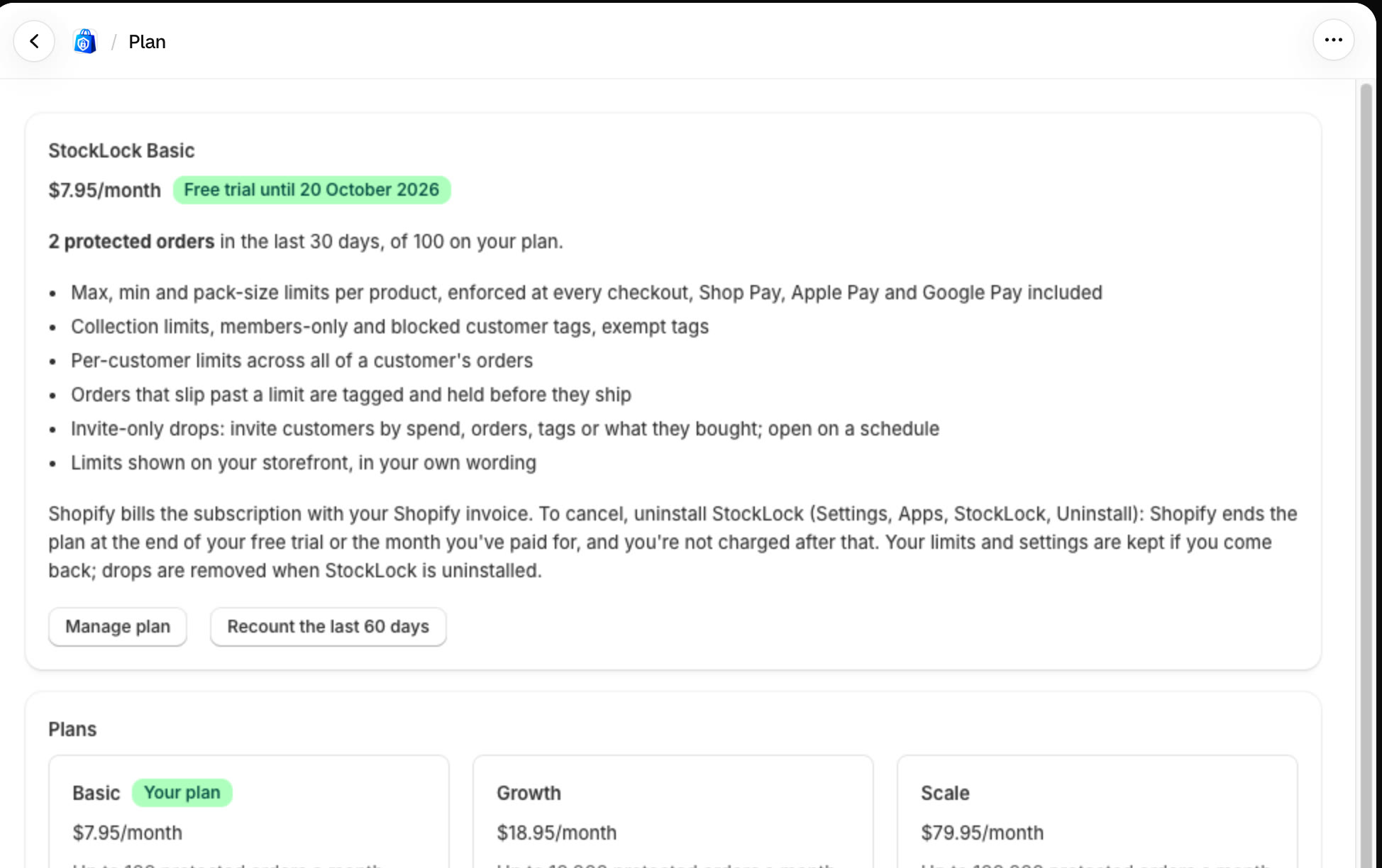
Click Recount the last 60 days
In StockLock, open Plan and click Recount the last 60 days. StockLock adds up what each customer bought of your limited products.
Tip
Run it after you add a per-customer limit to a product customers have already been buying.
All done
That's everything for this guide. Need a hand? Email support@stocklock.net.