 Stock
StockCheck your usage and change plan
See how many protected orders you've had this month and move to a bigger or smaller plan.
Prefer to watch? Play the video guide: Plans, usage and cancelling
1
See your usage
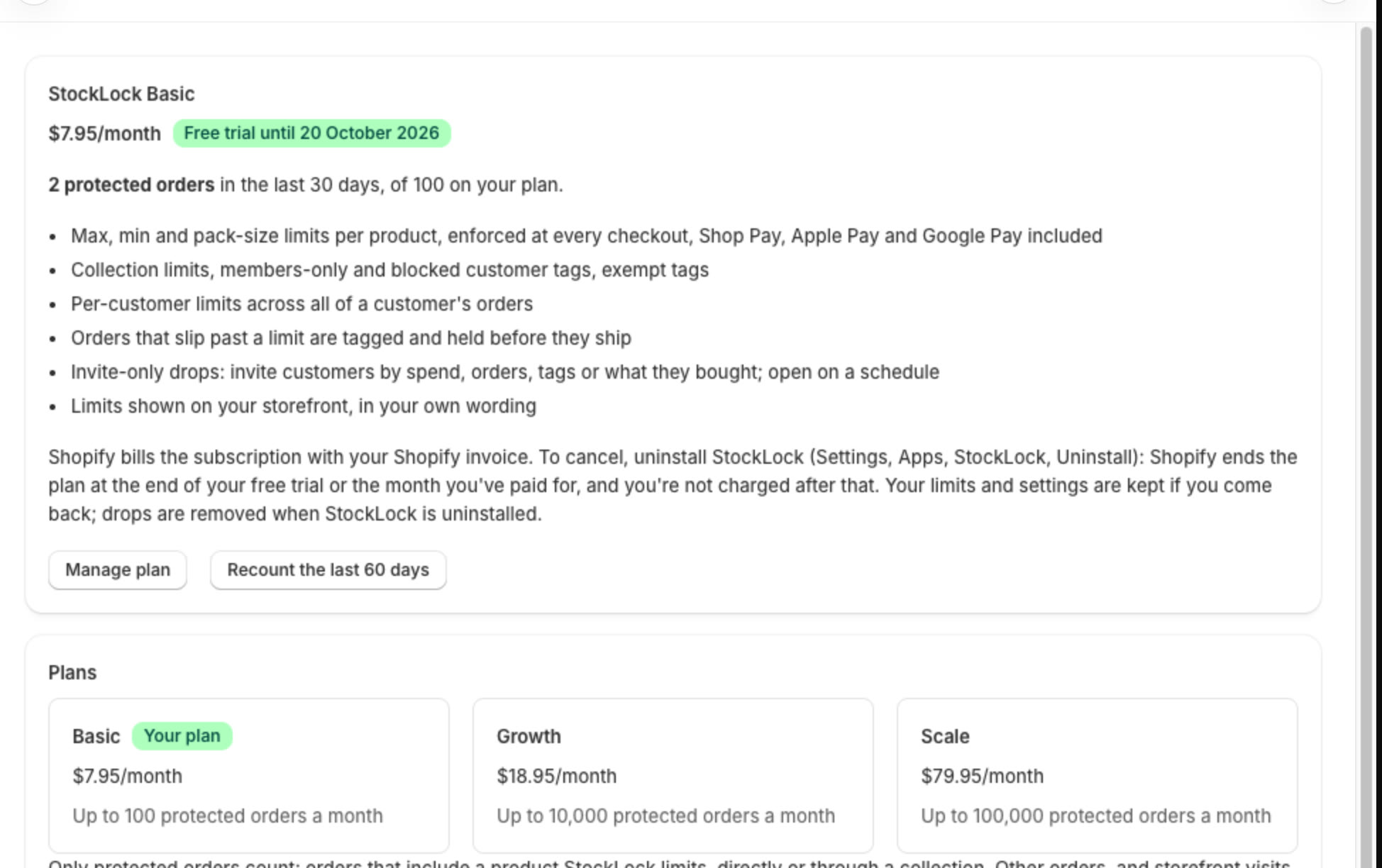
In StockLock, open Plan. It shows your plan and how many protected orders you've had in the last 30 days.
Tip
Only orders that include a product with a StockLock limit count. Other orders and storefront visits are free.
2
Change plan
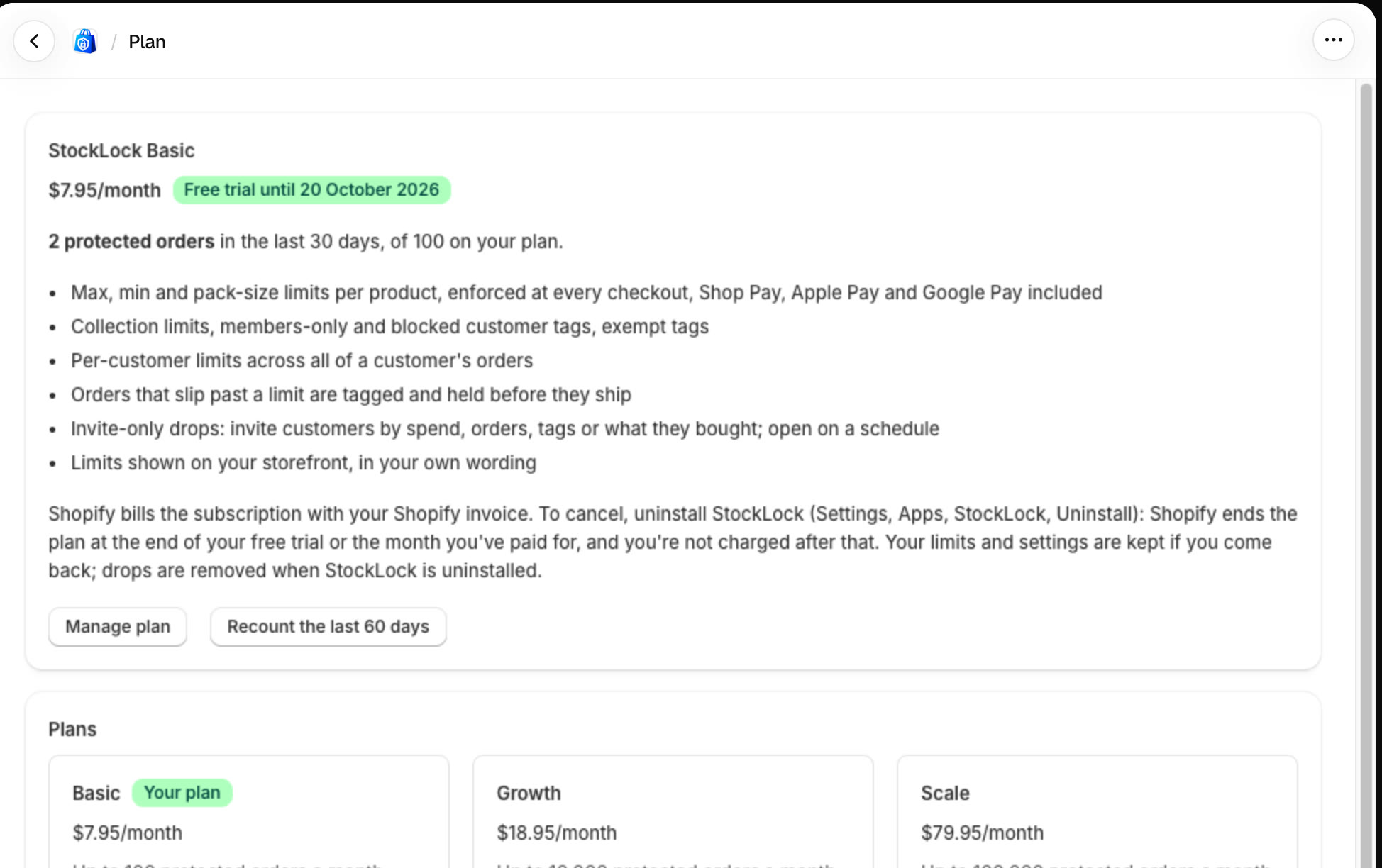
Click Manage plan. Shopify shows the plans: choose another and approve it. The change takes effect straight away.
All done
That's everything for this guide. Need a hand? Email support@stocklock.net.