 Stock
StockCancel StockLock
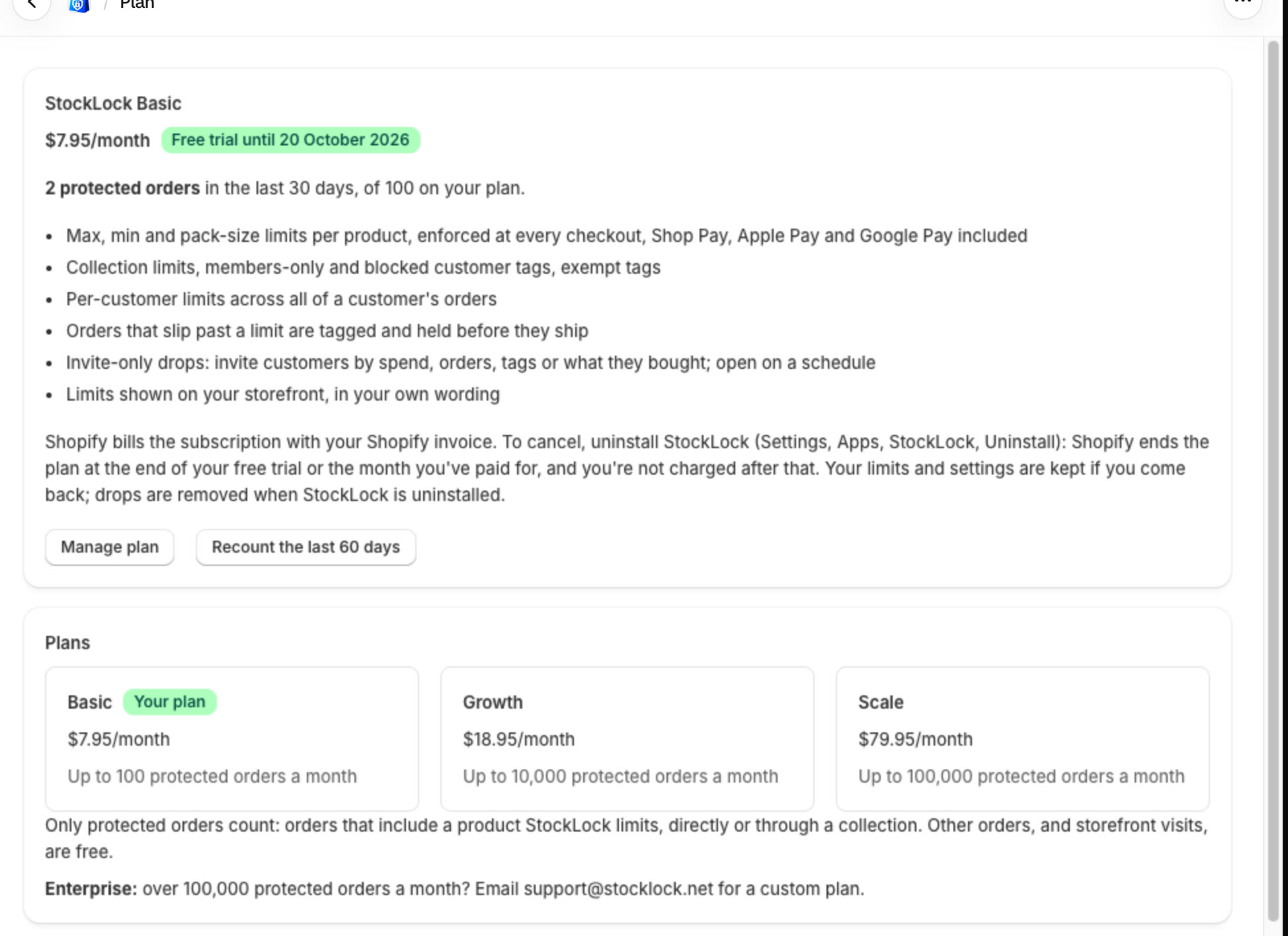
Cancel by uninstalling StockLock. You're not charged after your trial or the month you've paid for.
Prefer to watch? Play the video guide: Plans, usage and cancelling
1
Uninstall the app
In your Shopify admin, open Settings, then Apps, then StockLock, and click Uninstall. StockLock's Plan page explains what happens.
Tip
Your product limits and settings are kept if you come back. Drops are removed when StockLock is uninstalled.
All done
That's everything for this guide. Need a hand? Email support@stocklock.net.