 Stock
StockShow drop products on a collection page
While a link-only drop is invite-only its products are unlisted. The Drop products block still lists them on the drop's collection page.
1
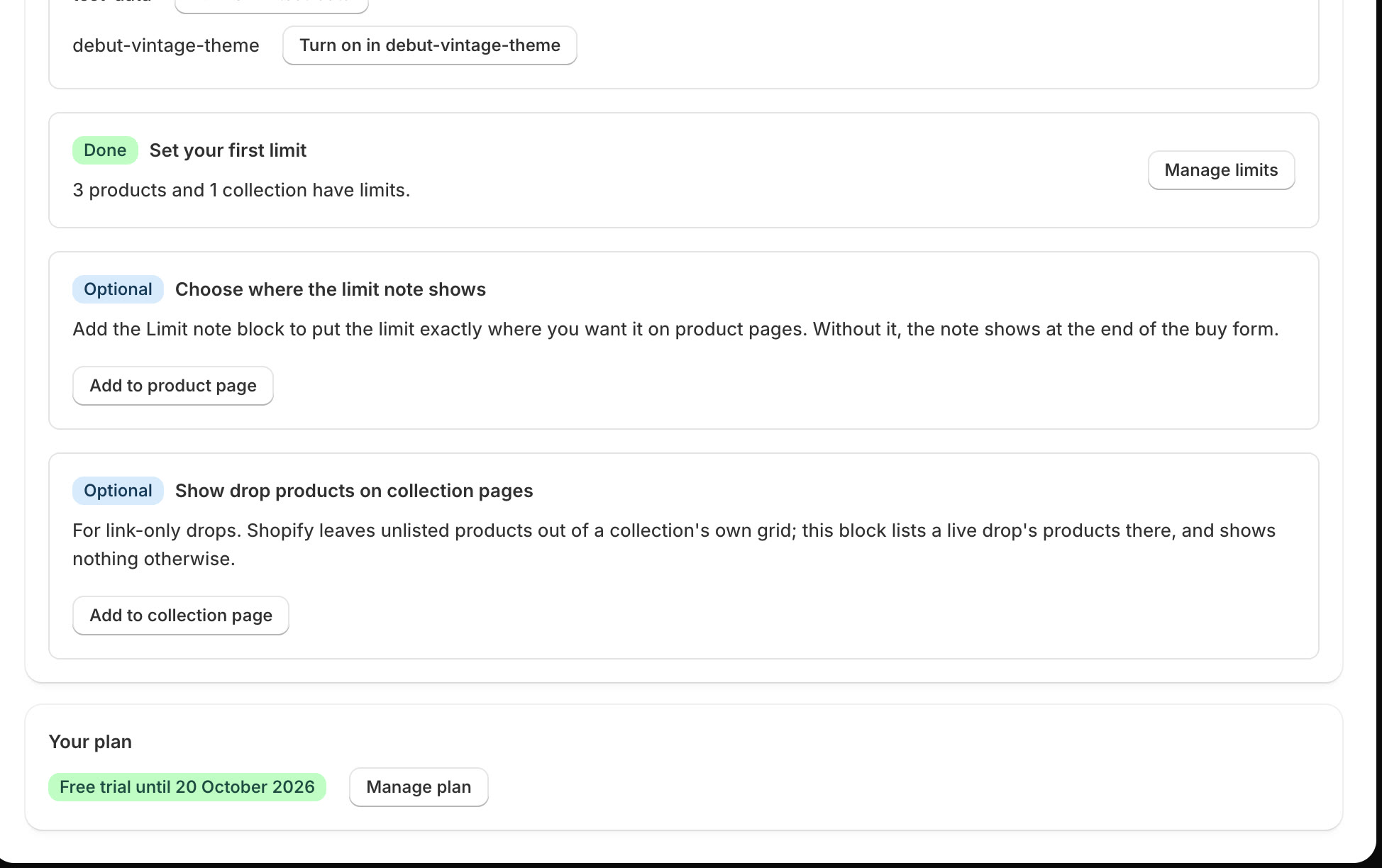
Click Add to collection page
On StockLock's home page, find Show drop products on collection pages and click Add to collection page.
2
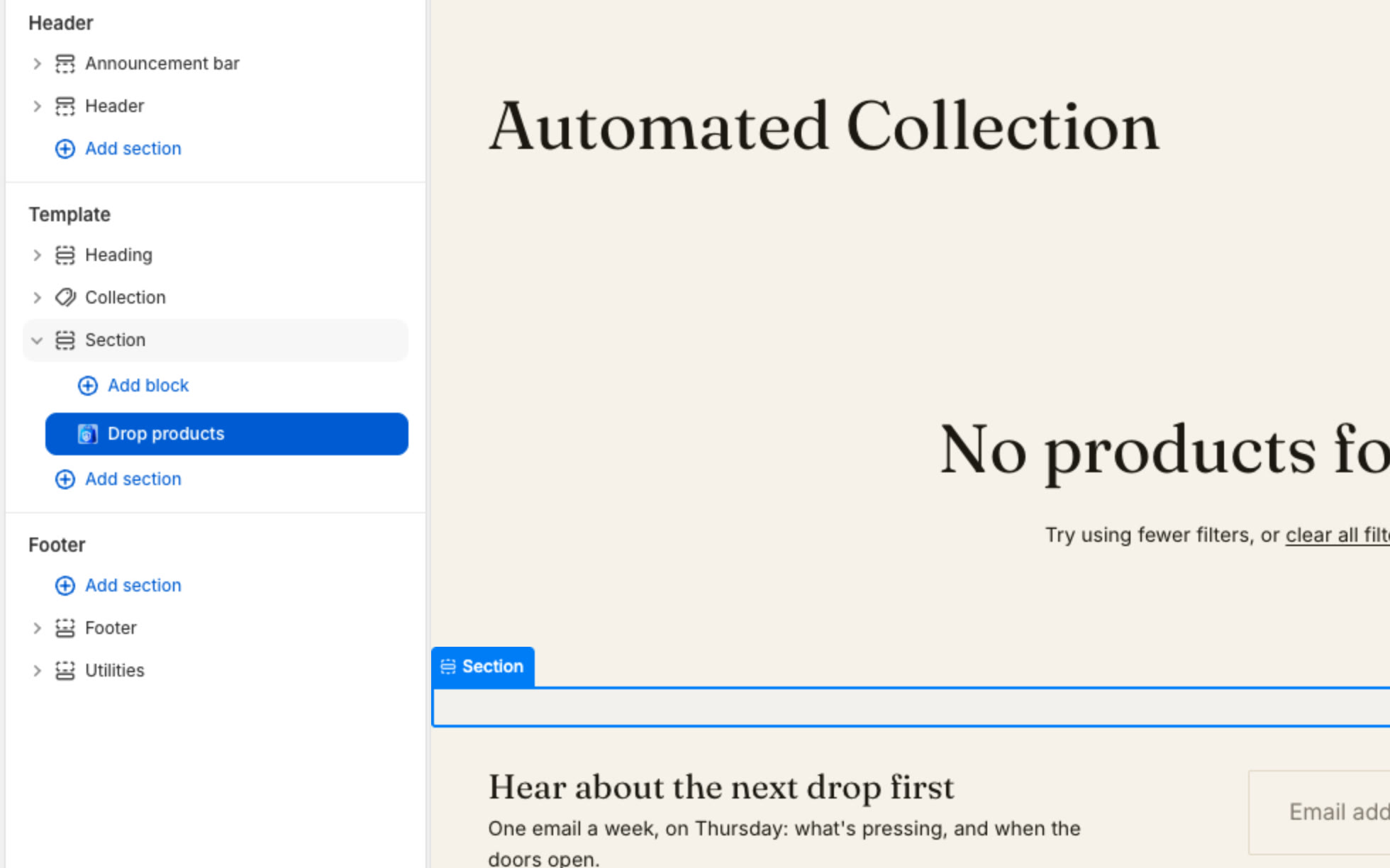
Save in the theme editor
Your theme editor opens on a collection page with the Drop products block added. Click Save. The block shows nothing on collections that aren't in a live drop.
Tip
Want it only on drop pages? Make a separate collection template with the block, and name it in the drop's Collection template while live.
All done
That's everything for this guide. Need a hand? Email support@stocklock.net.